Industries
Healthcare
Consent forms, service agreements, and telehealth session terms signed electronically. The patient signs right at the front desk, through the link, and the document reaches the clinic's vault without ever touching paper.
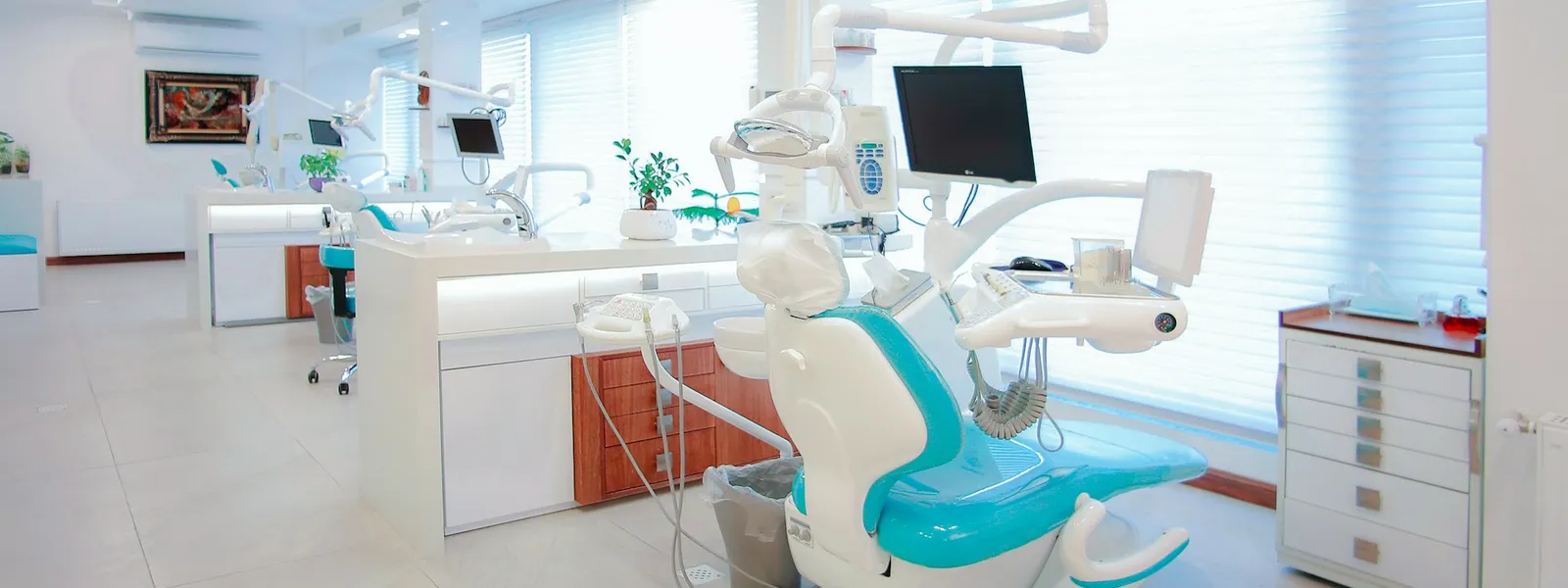
Consent forms, service agreements, and telehealth session terms signed electronically. The patient signs right at the front desk, through the link, and the document reaches the clinic's vault without ever touching paper.
From the front desk to the patient's discharge: what clinics, practices, hospitals and labs send for signature most.
The patient, or whoever answers for them, acknowledges the risks and authorizes the procedure in writing: informed consent signed right at the front desk.
Treatment plan, fees and responsibilities agreed between clinic and patient. Each party signs through their own link, at the counter or at home.
Patients seen remotely accept the conditions of the appointment in the phone's browser, and the online session starts with the agreement documented.
The consent that the LGPD, Brazil's data-protection law, requires for personal and health data becomes a signed, filed document. Who authorized it, and when, stays proven.
Credentialing with health plans and payers is formalized between the two companies: one envelope gathers the signatures from both sides.
Physicians, dentists and therapists who see patients at the clinic sign the partnership terms from wherever they are. Administration stops chasing anyone with paper.
At admission, the person responsible takes on the commitments of the hospital stay in writing, with each signature's date and time on record.
The patient fills in the medical history and their personal details while signing the form: whatever fields the clinic configures come back structured, ready for the chart.
How the clinic's most-signed document moves through Signater, in three steps.
The consent form's template has the wording ready: whoever is at the desk fills in patient and procedure on a single-screen form and the document is generated on the spot.
The link opens on the clinic's own device, in in-person mode. The patient reviews the form, validates their identity with the configured factors and signs before going in for the procedure.
The certificate of completion consolidates who signed, when and with which validations, and the form is filed in the clinic's vault, visible only to the area with access.
Factors configured per signer help prove that whoever signed is the patient on file. Every recorded validation becomes evidence in the envelope's certificate of completion.
Generate the link on the clinic's own device and collect the signature on the spot, with the patient still at the counter. It is the front desk's natural mode.
The browser's camera runs an active liveness check that confirms a real person is present, not a photo or a recorded video. The photo enters the certificate of completion as visual evidence of the act.
A code the clinic sets and tells the patient during the visit. The signature only moves forward with the correct password, a simple confirmation for people face to face.
The selfie and the password are among the ten factors on the Identity validation page
What sustains this flow, feature by feature: each card leads to the full page, with how it works in detail.
Consent form, agreement and history form travel in the same flow for patient and guardian, with a single certificate of completion at the end.
The consent form and the standard agreement become models with typed fields; each envelope records which version of the form was signed.
One group vault per area: the front desk doesn't see what belongs to billing, and search finds the right form later.
Seven factors configurable per signer, from the sender password to a selfie with liveness detection, each recorded as evidence.
Your EHR triggers consent forms through the API and receives the signed consent by webhook, tied to the patient.
Yes, with in-person signing: you generate the link on the clinic's own device and the patient signs right there, with no app to install and without depending on their phone.
No. Turn each form into a template: the fixed wording stays ready and typed fields mark what varies, such as patient and procedure. Issuing is a single-screen form, and every change to the model generates a new version, with the envelope recording which version was signed.
Yes, with group vaults: you choose which users join each vault, and only they see the documents in it. Front desk, billing and clinical management can have separate vaults, and whoever is outside the group has no access.
By sending the invitation by email or SMS: the patient opens the link and signs in the phone's browser, with nothing to install. You get a real-time notification when they finish, and automatic reminders chase whoever hasn't signed yet.
Yes. Electronic signature laws such as the U.S. ESIGN Act and UETA make electronic signatures legally binding, and the EU's eIDAS regulation recognizes them across Europe. Signater produces an advanced electronic signature based on a digital certificate, in the PAdES standard, and the certificate of completion gathers the evidence of who signed, when, from where and with which validations.
Intake forms and consent terms stay in the envelope, with access controlled by vault and a record of who viewed what. Encryption and controls are covered on the Security page.
The legal guardian signs as an identified signer: the validation records who they are, and the form can note their relationship to the patient in the document's fields.

Get started now
Take paper out of your clinic's consent forms, agreements and patient forms: create your free account and send the first document today. Or talk to our specialists to see how Signater fits your front desk's routine.